WORKFLOW AUTOMATION
Automate repetitive work without forcing your business into someone else's process.
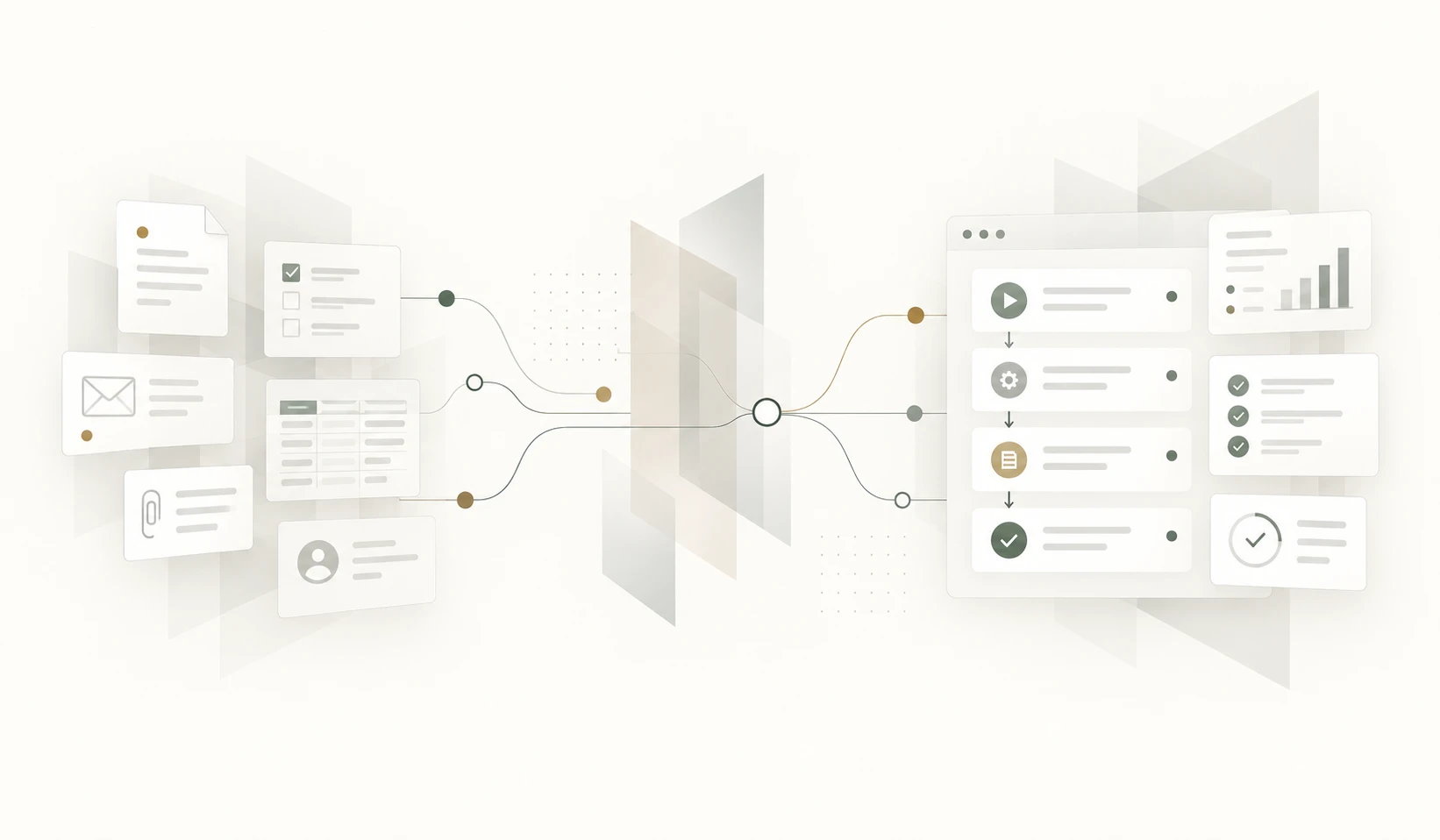

Many business processes still depend on people moving information, sending reminders, checking statuses, creating documents and passing work from one person to another.
We build practical workflow automation that reduces repetitive manual work while keeping people in control of the decisions that actually need their attention.
When routine work starts consuming too much time
Most inefficient workflows do not begin as bad processes.
A few emails, spreadsheets and manual checks may work perfectly well when the volume is small. As the business grows, more people become involved, exceptions increase and the same routine steps have to be repeated again and again.
Eventually, valuable time is spent coordinating the process rather than doing the work that actually requires knowledge and judgement.
That is usually where automation can make a meaningful difference.
Common signs that a workflow could be automated
-
Repetitive data entry
The same information is entered, copied or reformatted several times during the same business process.
-
Manual hand-offs
People rely on emails, messages or memory to tell the next person that their part of the process can begin.
-
Repeated status checks
Staff spend time asking where something is, whether it has been approved or what still needs to happen.
-
Manual reminders
Important actions depend on somebody remembering to send an email, make a call or follow up at the right time.
-
Repeated document creation
Quotations, confirmations, reports or other documents are repeatedly assembled from information that already exists.
-
Process bottlenecks
Work stops because one person, one spreadsheet or one manual step has become essential to keeping the process moving.
Automation built around the way your business works
Workflow automation should simplify a useful process, not replace it with unnecessary technology.
We first understand what happens today, who is responsible for each step, what information is required and which decisions genuinely need human involvement.
We then automate the repetitive and predictable parts while keeping exceptions and important decisions visible to the right people.
-
Automatic routing
Work can move automatically to the correct person or team when a step has been completed.
-
Notifications and reminders
The system can notify people when action is required and follow up automatically when deadlines approach.
-
Approvals
Approval rules can be built directly into the process, with a clear record of who approved what and when.
-
Document generation
Documents can be generated automatically from information that already exists in the system.
-
Business rules
Routine decisions and validations can be handled consistently according to defined business rules.
-
Process visibility
Everyone involved can see the current status without relying on separate emails, spreadsheets or manual updates.
Not everything should be automated
Automation is most useful for work that is repetitive, predictable and governed by clear rules.
Tasks that depend on experience, judgement, negotiation or unusual circumstances may still be better handled by people.
The objective is not to remove people from the process. It is to remove unnecessary work from the people.
Processes that are often good candidates
- Customer enquiries and follow-ups
- Quotations and order processing
- Approval workflows
- Document generation
- Employee onboarding
- Claims and case processing
- Inspection and compliance workflows
- Scheduled reports and notifications
- Payment and status notifications
- Data transfer between business systems
From manual process to practical automation
-
01 — Understand the workflow
We look at how the process actually works today, including the manual steps, exceptions and dependencies between people and systems.
-
02 — Identify unnecessary work
We identify repetitive actions, duplicate data entry, manual checks and hand-offs that can be handled more efficiently.
-
03 — Define the automation
We decide what should happen automatically, what should remain under human control and how exceptions should be handled.
-
04 — Build and connect
We implement the workflow and connect it to existing systems, databases or external services where required.
-
05 — Improve over time
Once the process is visible and measurable, further improvements can be introduced based on how the business actually uses it.
What changes after automation
- Less repetitive manual work
- Fewer missed steps and forgotten follow-ups
- Clearer responsibility throughout the process
- More consistent application of business rules
- Better visibility of current status
- Faster movement of work between people and systems
- More time for work that requires human judgement
Automation works best when your systems can communicate
Many manual tasks exist because information has to move between systems that do not communicate with each other.
A workflow can become significantly more useful when it can read or update information in your CRM, accounting system, database, payment service or another business application.
Integration can remove entire manual steps instead of simply making them faster.
Learn more about Software Integration →
Sometimes the workflow itself has outgrown a spreadsheet
Spreadsheets are often used to coordinate tasks, track statuses and record information because they are quick and flexible.
When several people depend on the same spreadsheet to keep a business process moving, replacing it with a shared application can make automation much easier and more reliable.
Explore Spreadsheet Replacement →
Is your team spending time managing the process instead of doing the work?
Show us how the workflow operates today.
We can help identify which steps are worth automating, which should remain under human control and where a small amount of software could remove a large amount of repetitive work.
No obligation. Start with the process.