SOFTWARE INTEGRATION
Connect the systems your business already depends on.
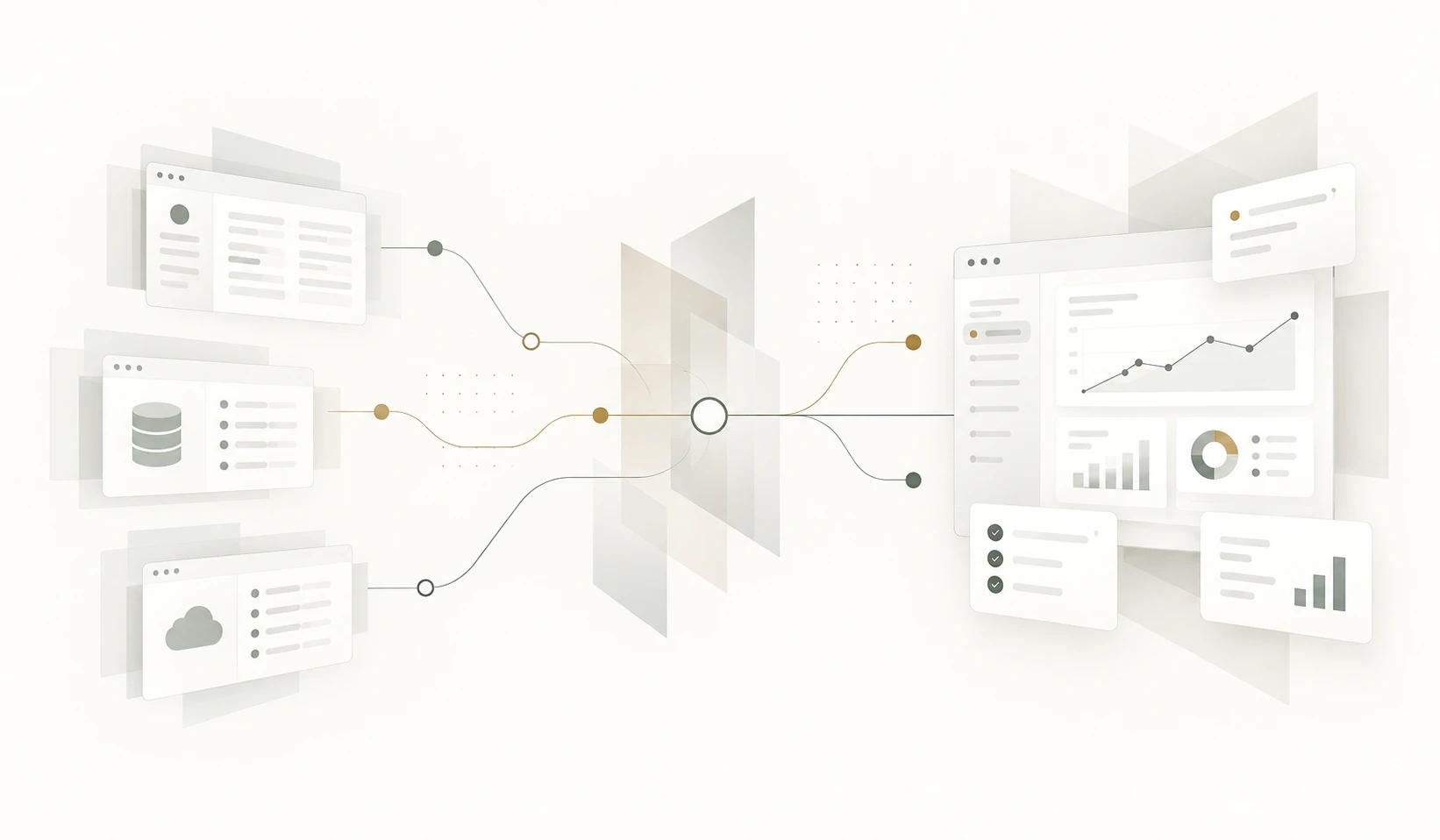

Businesses rarely operate from a single application. Customer information may live in one system, orders in another, accounts somewhere else and important operational data in spreadsheets or internal databases.
We connect business systems, databases, APIs and external services so information can move where it is needed without relying on repeated manual entry, exports and copy-and-paste processes.
When separate systems start creating unnecessary work
Using several specialist applications is not necessarily a problem.
The problem begins when people have to manually move information between them, maintain duplicate records or check several systems before they can understand the current state of a customer, order or business process.
Over time, these manual connections can become a hidden part of the operation and consume significantly more time than anyone originally expected.
Integration allows the existing systems to remain useful while reducing the manual work between them.
Common signs that your systems need to communicate
-
Duplicate data entry
The same customer, order or transaction information is entered into more than one system.
-
Manual exports and imports
Staff regularly export CSV or Excel files from one application, adjust them and import the information somewhere else.
-
Information spread across systems
People need to open several applications to understand the full status of a customer, project, order or case.
-
Inconsistent records
Changes made in one system are not reflected elsewhere, creating different versions of the same information.
-
Manual status updates
Employees update one application based on events that have already happened in another system.
-
Reporting requires preparation
Useful reports depend on manually combining information from several different sources.
Integration around your existing systems
Integration does not always mean replacing the software you already use.
Often the better solution is to keep systems that already perform their jobs well and create a reliable way for them to exchange the information that the wider business process requires.
We look at where information originates, where it needs to go, which system should be authoritative and what should happen when something changes.
-
API integration
Applications can exchange information directly through existing APIs or purpose-built integration endpoints.
-
Database integration
Data can be read, synchronised or transferred between internal databases where appropriate.
-
External services
Payment providers, accounting platforms, CRM systems, document services and other external applications can become part of the same business process.
-
Data synchronisation
Important information can remain consistent across systems without requiring somebody to update each one manually.
-
Event-driven integration
Actions in one system can automatically trigger the appropriate action in another when the business process requires it.
-
Consolidated information
Information from several systems can be brought together where users need a single operational or reporting view.
Not every system needs to be connected to everything
Integration adds value when information genuinely needs to move between systems or when manual transfer is creating unnecessary work and risk.
Connecting applications simply because an API exists can create additional complexity without improving the business process.
The objective is not to connect every system. It is to remove the gaps that people currently have to bridge manually.
Integration projects we commonly encounter
- CRM and internal business systems
- Accounting and operational applications
- Websites and back-office systems
- Payment services and order processing
- Customer portals and internal databases
- External supplier or partner APIs
- Document generation and storage services
- Email and notification services
- Reporting and management dashboards
- Legacy systems and newer web applications
From disconnected systems to reliable data flow
-
01 — Understand the process
We identify the systems involved, how information currently moves between them and where manual work or inconsistencies occur.
-
02 — Define ownership of the data
We establish which system should be the primary source for each important piece of information and how changes should propagate.
-
03 — Design the integration
We define what information should move, when it should move and how errors, unavailable services and exceptional situations should be handled.
-
04 — Build and test
We implement the connection and test it with the real business scenarios the integration needs to support.
-
05 — Monitor and maintain
Integrations are designed so failures can be detected and investigated rather than silently leaving systems out of sync.
What changes when systems work together
- Less duplicate data entry
- Fewer manual imports and exports
- More consistent information across systems
- Faster movement of data through the business
- Better visibility of the complete process
- More reliable reporting
- Less dependence on people transferring information manually
Integration can remove entire steps from a workflow
Many repetitive tasks exist only because one system does not know what has happened in another.
Once systems can exchange information directly, actions such as updating statuses, sending notifications, creating records or starting the next stage of a process can often happen automatically.
This is where software integration and workflow automation often become parts of the same solution.
A spreadsheet is often the manual bridge between two systems
Spreadsheets frequently appear between business applications because they provide a convenient place to export, adjust and transfer data.
If a spreadsheet mainly exists to move or reconcile information between other systems, direct integration may remove much of the work. If the spreadsheet has become a business system in its own right, a dedicated application may be the better solution.
Explore Spreadsheet Replacement →
Are your people doing the job your systems should be doing?
Show us how information moves through the business today.
We can help identify where integration would remove duplicate work, improve data consistency and make the systems you already use work better together.
No obligation. Start with the connections.